Plan your whole day in a minute. Just say it.
Tell Yoodoo AI what's on, times and all. It builds the day around your fixed things, and locks what can't move.
1 min · For Deep Diver, Collector, Starter
- 1
Open Ask Yoodoo
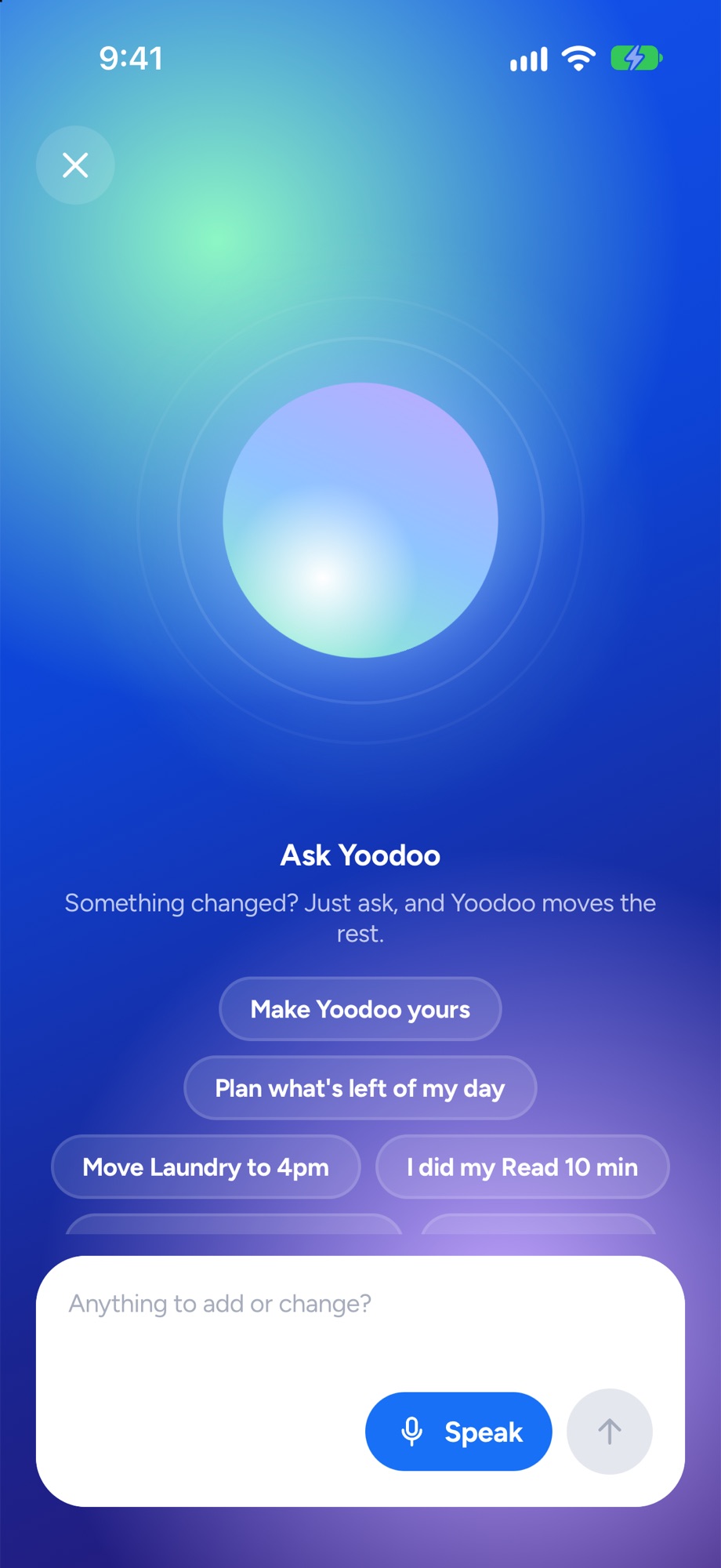
Tap the sparkle. On iPhone it sits beside the tab bar, on Android it's at the top of the screen, and on a big screen it's in the sidebar. Ask Yoodoo opens with a few things to ask about your day, and one field.
- 2
Say what's on, the way you'd say it
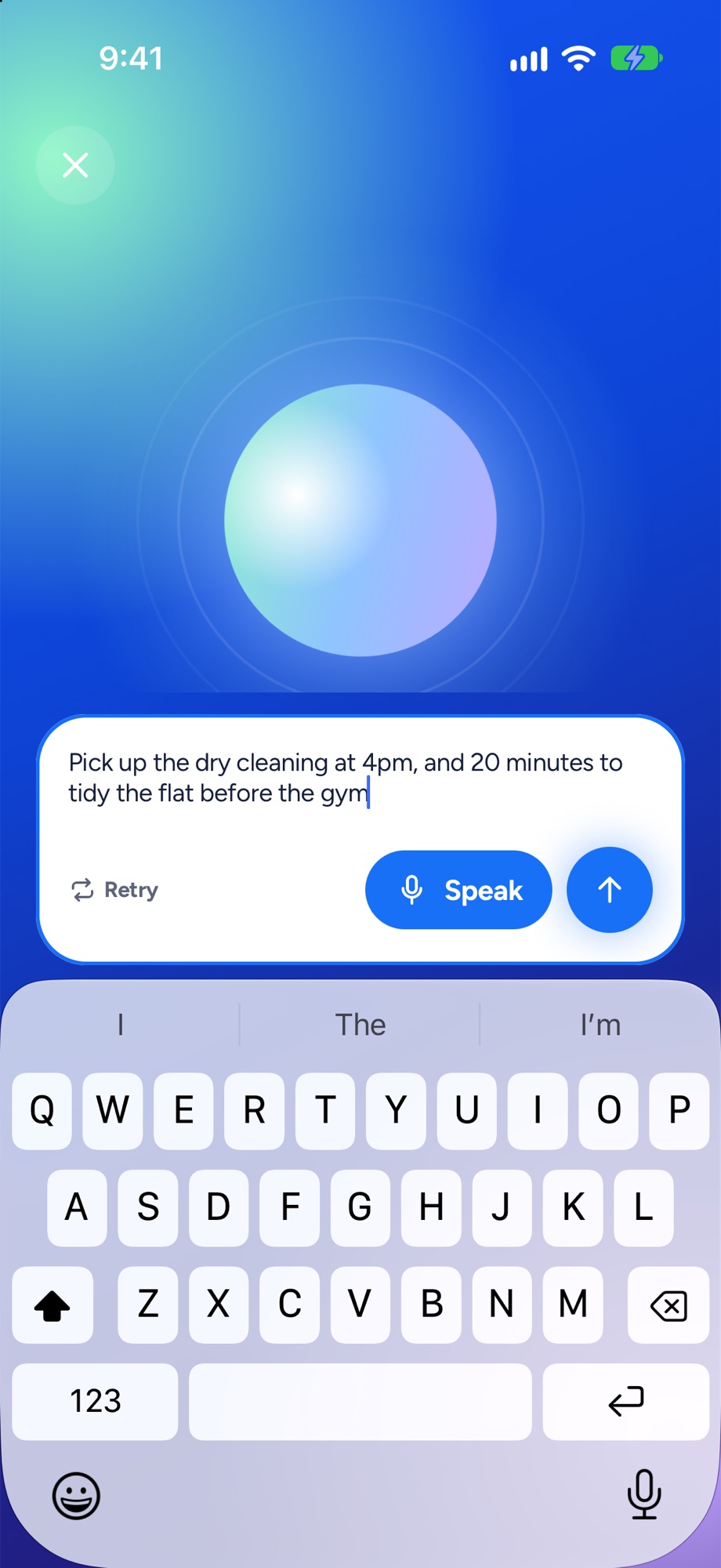
Tap Speak and talk, and your words type in as you go. Or just type. Times and lengths are fine, rough is fine: “Finish the deck for 90 minutes, team call at 5:30, gym at 7, call mum.” Then tap the send arrow.
- 3
Check what it heard
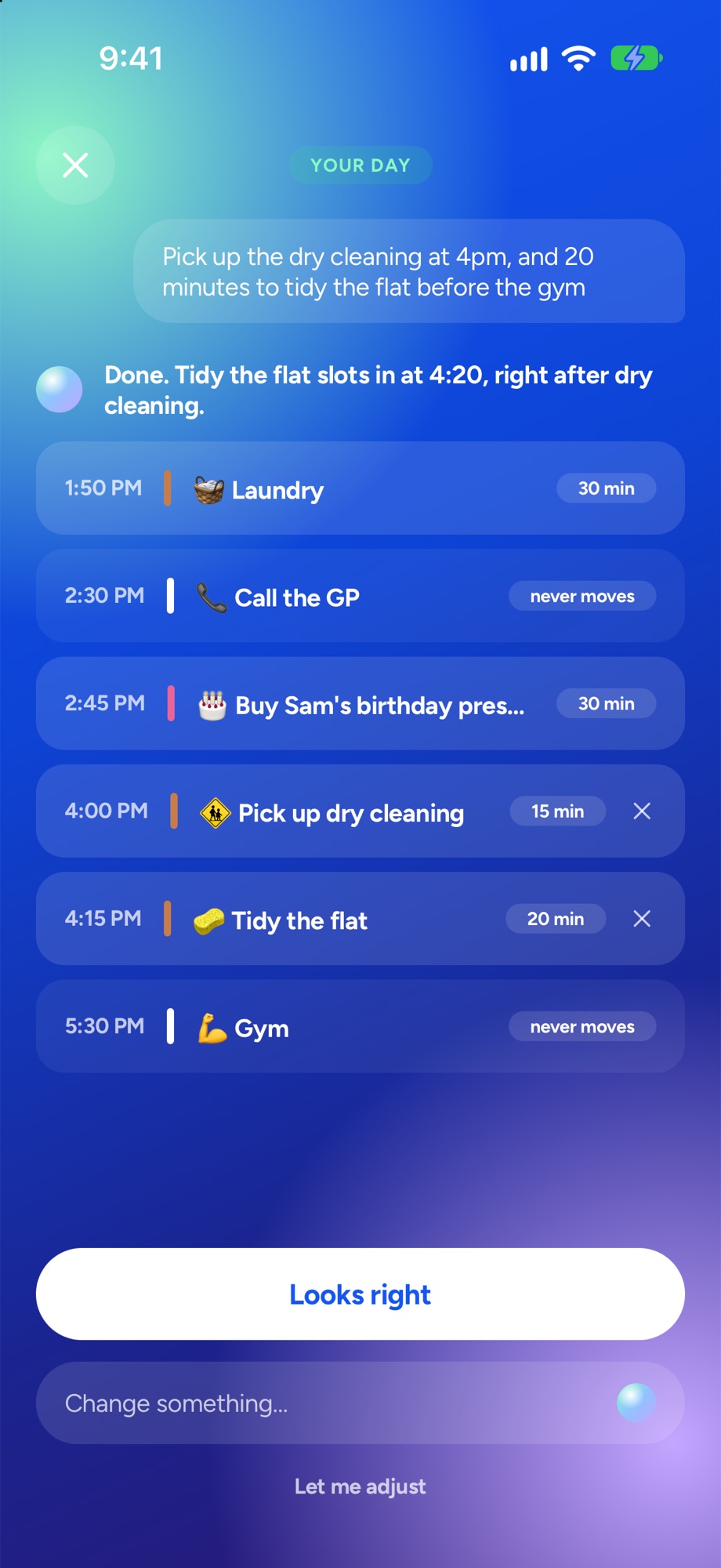
Yoodoo tells you the plan in one line, lists Here's what I heard, and shows every task with its time. Things with a fixed time come in locked. Tap the cross on anything it got wrong.
- 4
Looks right? Done.
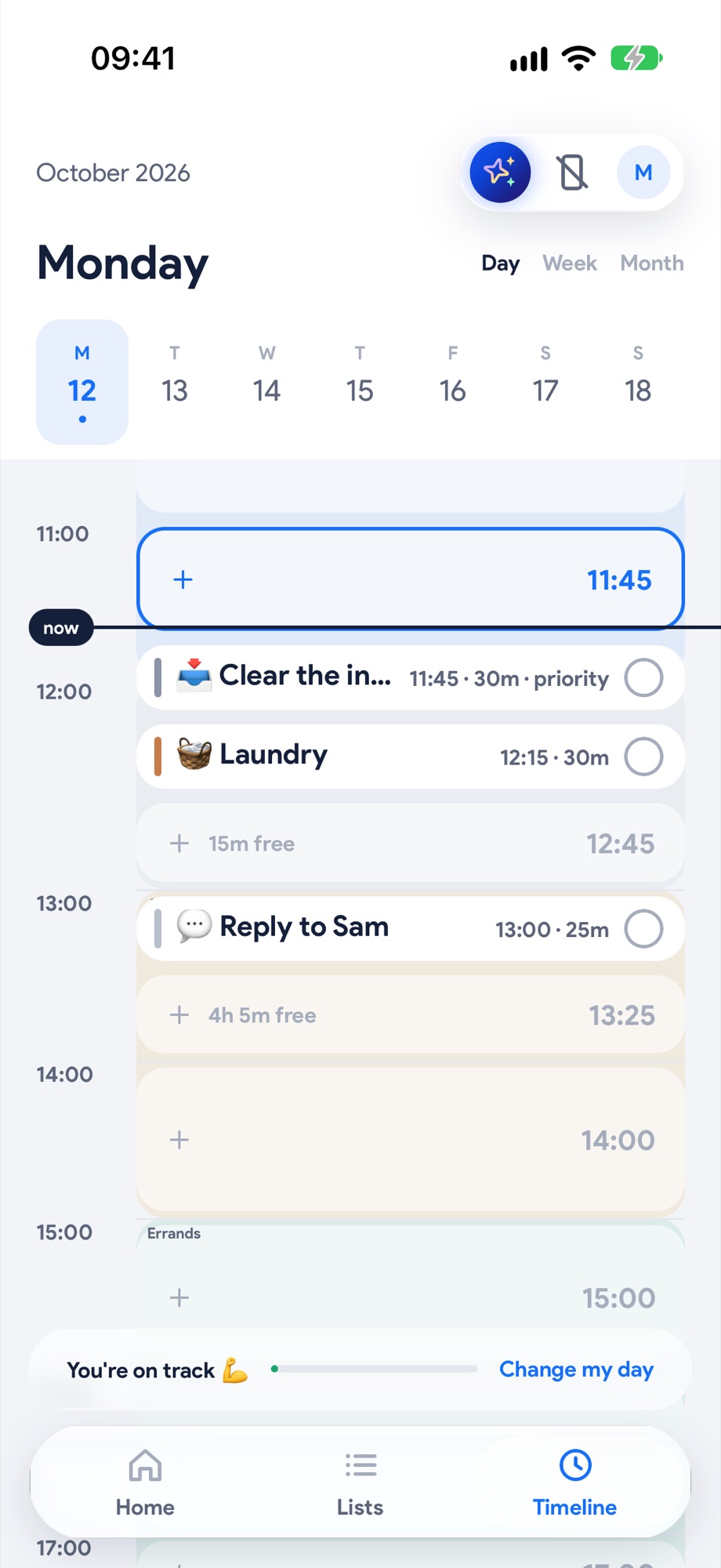
Tap Looks right and the day lands on your timeline, built around your fixed things. Want a change? Just say it: “move the gym to 5”.
- 5
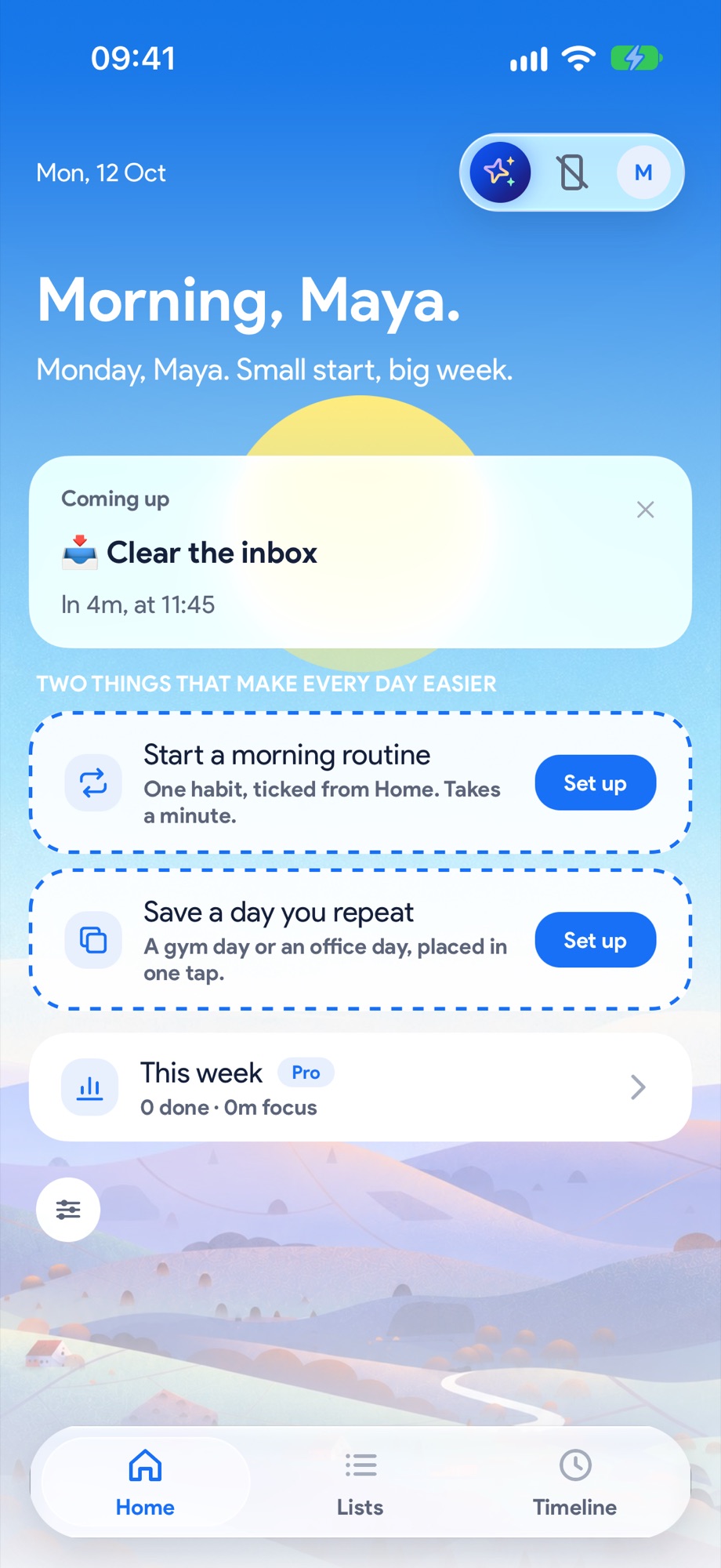
Your homepage keeps you on it
Back on your homepage, the card tells you what's next and when. One tap on See my day shows the lot.
Next, try these.
Ran over? Fix the rest of the day in one tap.
Everyone runs over. What matters is what happens to the rest of the day. Yoodoo asks one question and moves what can move.
Put your calendar on your timeline.
Meetings, lectures and pick-ups become the fixed points. Everything else fits around them, and they never move on their own.