TUTORIALS
Timeblocking in Yoodoo

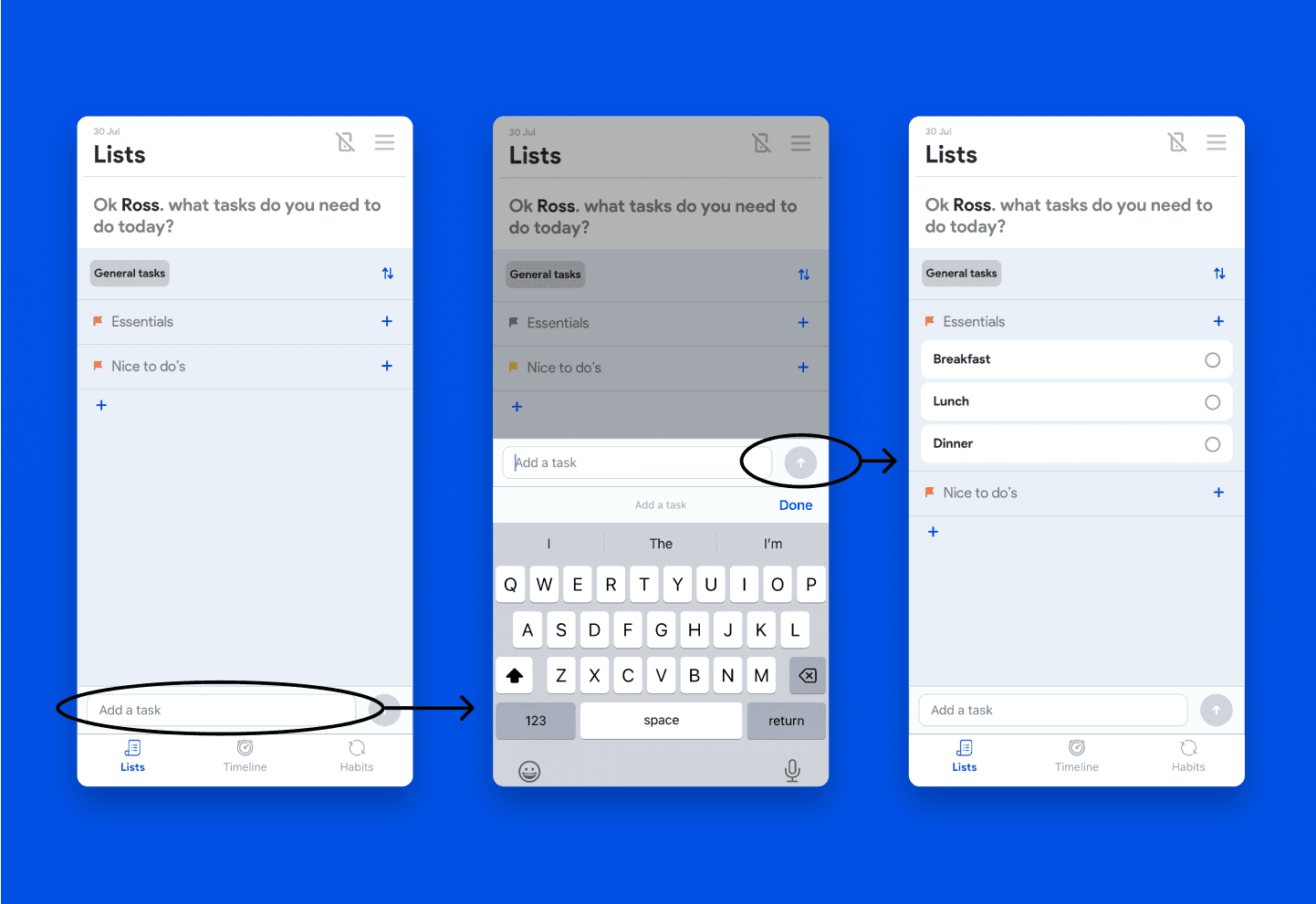
Use the Quick Add bar at the bottom to type in 3–5 tasks to get started.
Tap the ➕ next to a section to add tasks directly there.
Add more sections if you want to organise things like:
Must dos
Nice to haves
Urgent / Later
Tasks are fully customisable too.
🛠️ You can:
Add subtasks (manually or hit Generate with AI for ideas)
Attach files, set deadlines, and durations


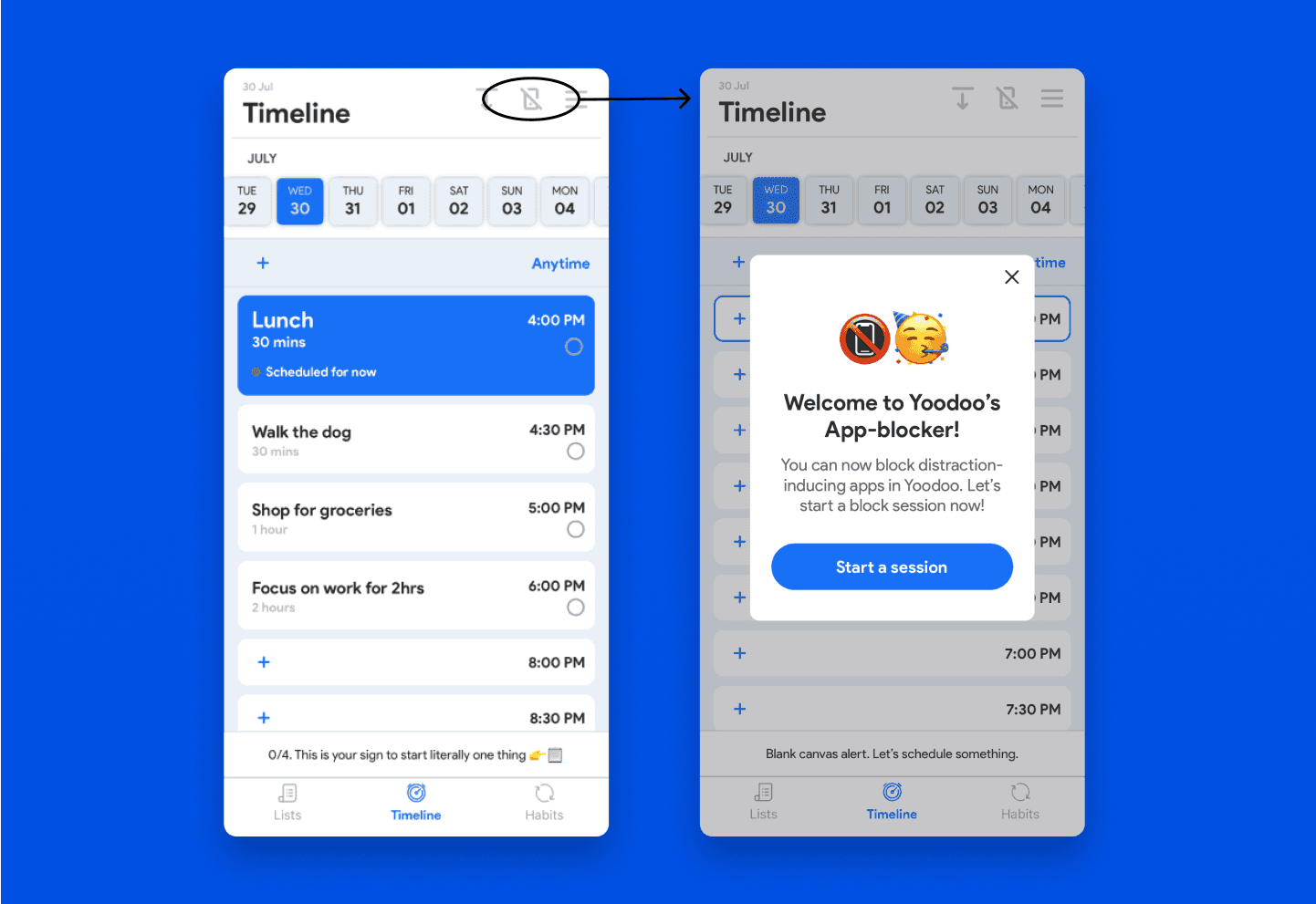
Or tap a task → hit Focus → set your duration → start the timer.


Tap the status bar to trigger it manually
By default, incomplete tasks roll over to the same time tomorrow
Uncheck any you want to ignore
Tap Continue, and boom — your next day is already taking shape.
💡 Final Notes
You can keep going and add more tasks, or call it a day.
Tomorrow, just repeat the process.
Your incomplete tasks will still be on the list, so nothing gets lost.
Timeboxing is about working with your brain — not against it.
Start small. Stay consistent. Your future self will thank you.